Install
GeoSuite installer
Open Source · GIS Infrastructure
GeoSuite
Install, configure and administer a geospatial server environment.
GeoSuite installs the latest stable GIS server components and gives you a browser control panel for PostGIS, GeoServer and related services. QuartzMap can be added at install time when you want to publish qgis2web maps.
PostgreSQL · PostGIS · GeoServer · QGIS Server · QuartzMap
GIS infrastructure, from install to maps
Install
GeoSuite installer
GIS stack
PostGIS · GeoServer · QGIS Server
Manage
Browser control panel
Publish maps
QuartzMap + qgis2web
GeoSuite provides browser-based administration for the services it installs. The control panel can be removed later; the GIS components continue to run.
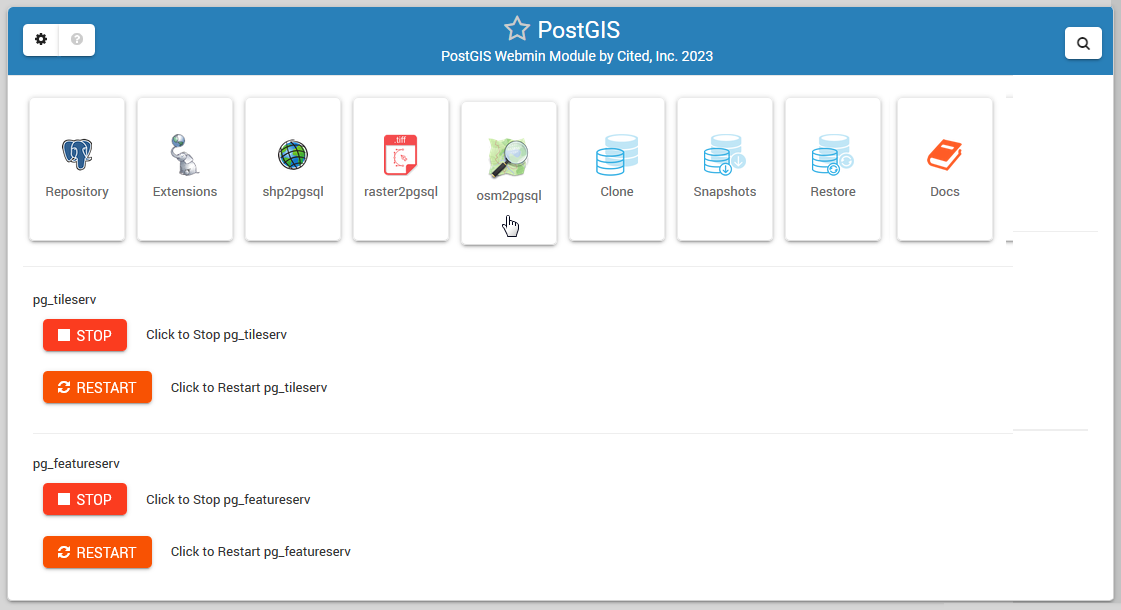
GeoSuite is infrastructure software. It installs the stack and gives you tools to administer it — it is not a QGIS map portal.
The installer deploys Apache Tomcat, GeoServer, PostgreSQL, PostGIS, PgRouting and QGIS Server. Choose GeoSuite alone or GeoSuite with QuartzMap.
Create spatial databases and users, enable PostGIS and PgRouting extensions, and load data with shp2pgsql, osm2pgsql and raster2pgsql.
Install and manage GeoServer from the control panel, including workspaces, stores, layers and styles, with Tomcat start, stop and restart.
When QuartzMap is selected at install, publish qgis2web maps into a portal and connect them to live data sources.
QuartzMap maps can connect to PostGIS or GeoServer so layers update from the source instead of requiring a republish.
Use the control panel for database snapshots, clone and restore, PostgreSQL configuration, SSL, and service management.
The current GeoSuite installer installs unmodified upstream packages. SSH access is unchanged, and the control panel is optional after install.
QuartzMap
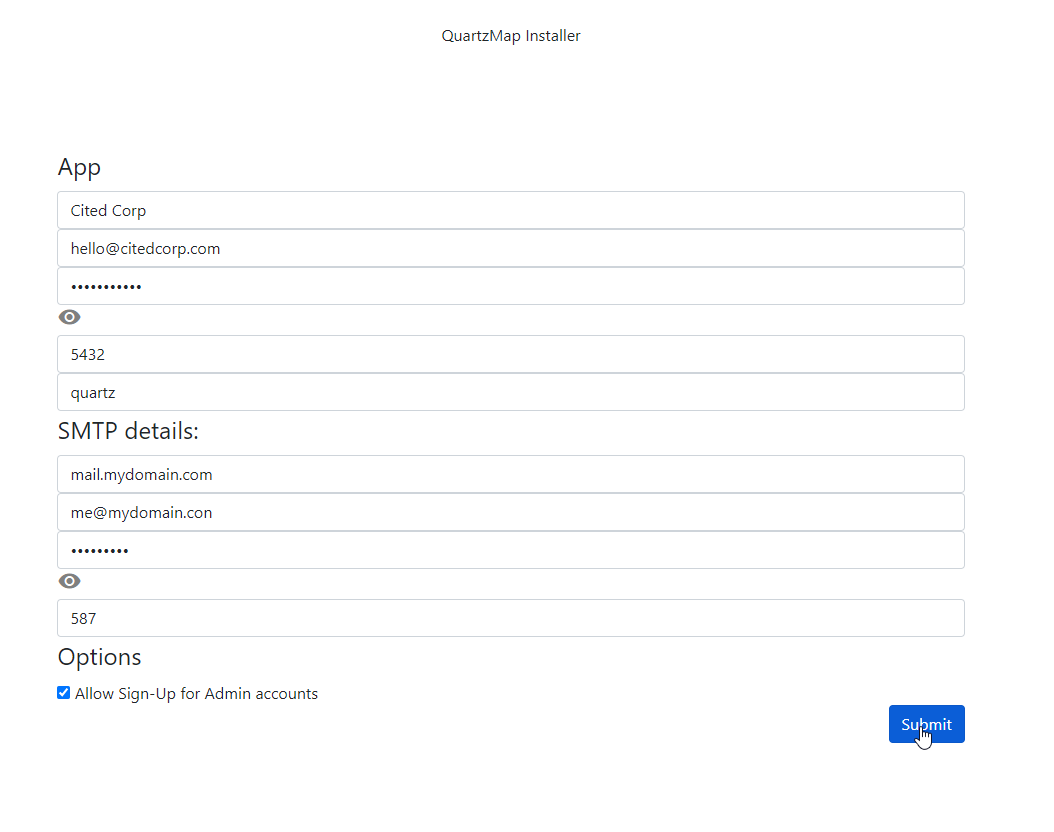
QuartzMap is bundled as an installer option — not a required part of every GeoSuite install.
Select “GeoSuite and QuartzMap” during setup when you want the mapping portal. QuartzMap turns qgis2web maps into secured maps that can stay connected to their original PostGIS or GeoServer data.
GeoServer
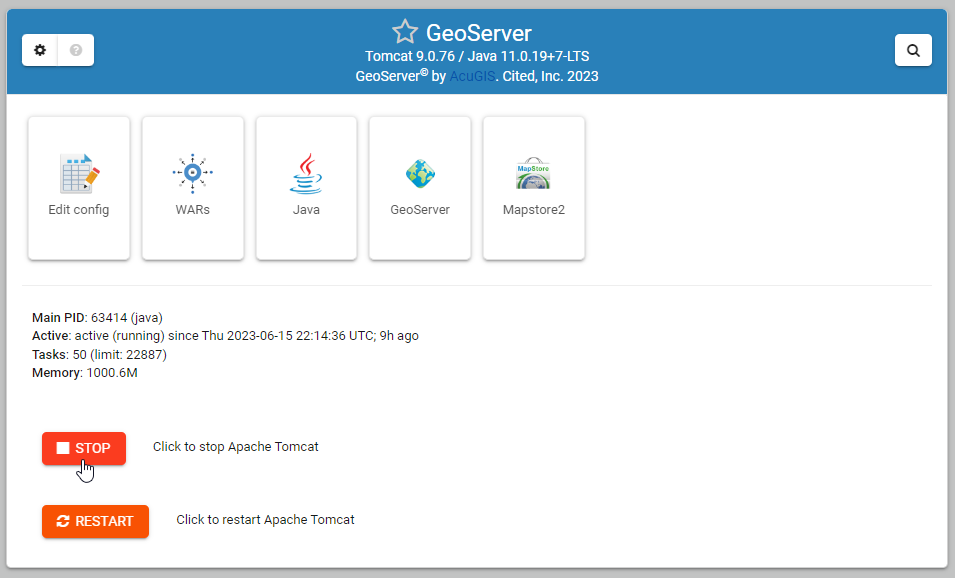
GeoSuite installs and administers GeoServer. It does not replace the GeoServer application.
Open GeoServer from the control panel, create workspaces, stores and layers, load shapefiles, and manage styles. Tomcat and Java remain visible as the runtime underneath.
AcuGIS Open Source
GeoSuite belongs to the AcuGIS Open Source family. Run it on your own Ubuntu server, with commercial support available when you need it.
Released under the GNU GPL v3. Source, installer and documentation are public.
The current installer targets Ubuntu. Installed components keep their own licenses and normal SSH access.
AcuGIS support is available when you want help deploying or operating GeoSuite.
Use the current GeoSuite docs for installation and administration. Get the installer from GitHub.
Run the GeoSuite installer, administer PostGIS and GeoServer from the control panel, and add QuartzMap when you need qgis2web publishing.