PostGIS
 Mobile
 QGIS
QGIS MapBender
 GeoServer
 GeoNode
 GeoNetwork
 Solutions



























We’re excited to introduce a major QCarta update focused on editing workflows, performance, and a more flexible, modern user experience.
This release adds powerful new tools for working directly with your data, enhances map performance through improved caching, and introduces a more dynamic and customizable interface for end users.
What’s new:
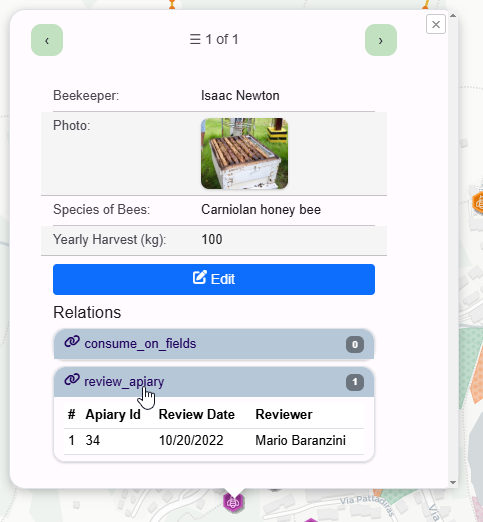
- Attribute Editing – Update feature data directly from the map interface with a streamlined, form-based workflow
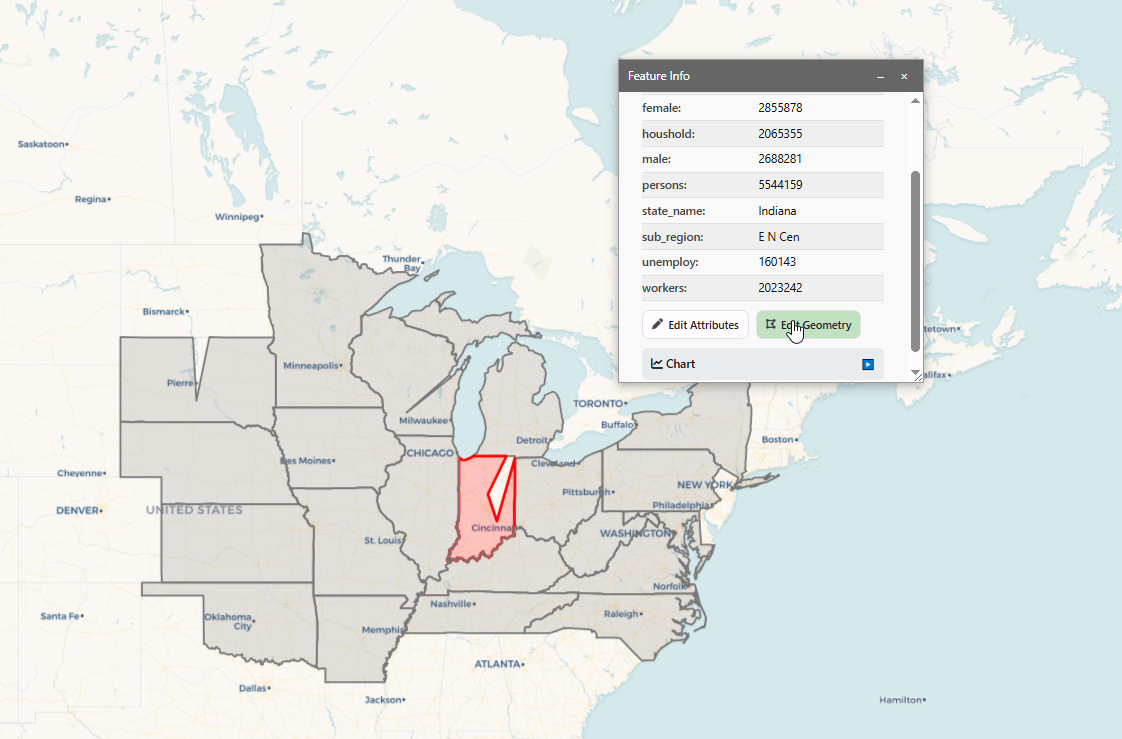
- Geometry Editing – Modify points, lines, and polygons interactively, enabling true in-browser spatial editing
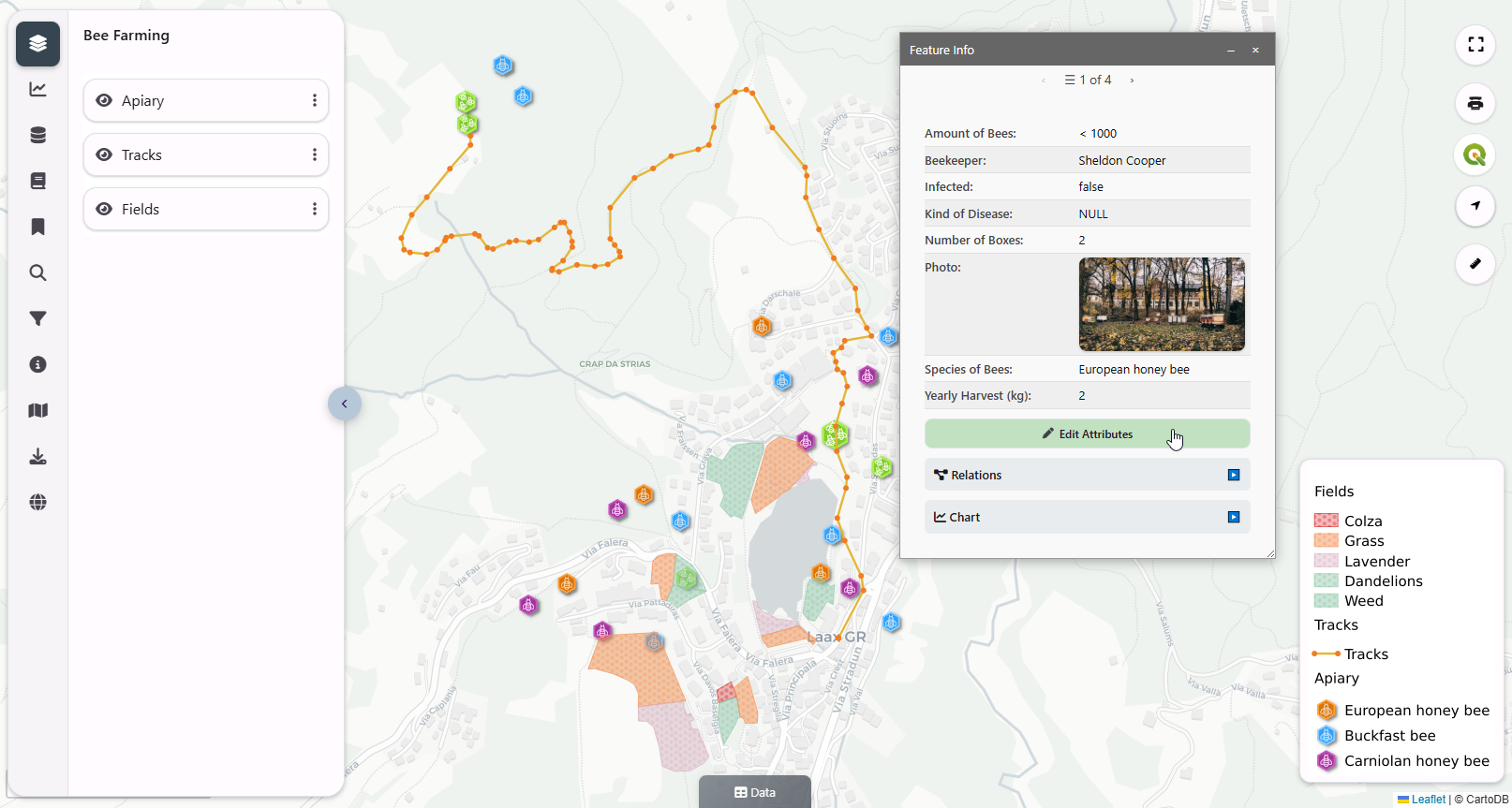
- New Theme – A cleaner, more modern UI with improved layout, readability, and overall professionalism
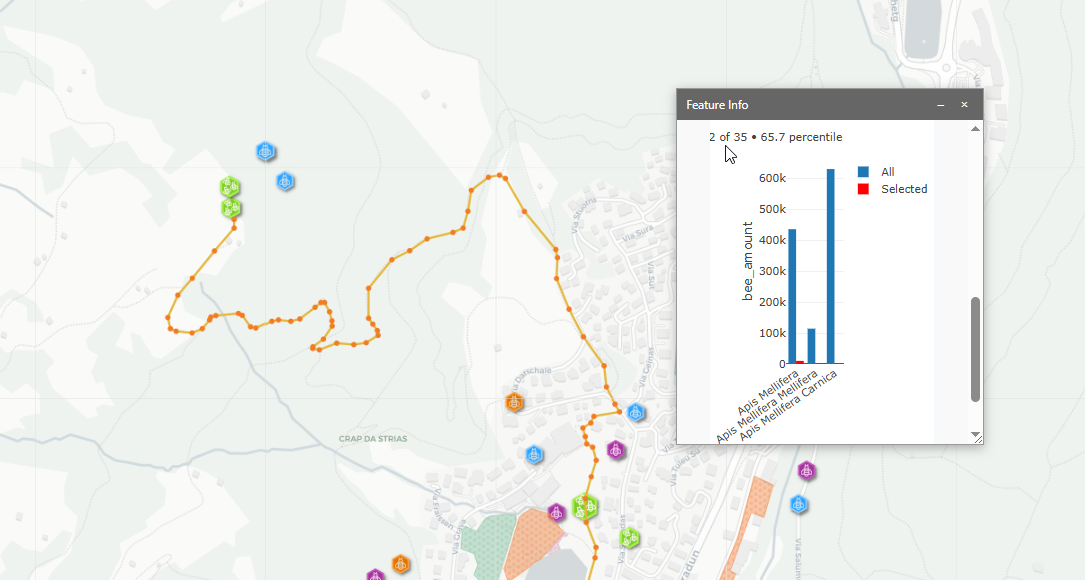
- Enhanced Feature Panel – Replaces the traditional popup with a draggable, resizable panel, providing better organization, navigation, and a more flexible workspace
- Per-Feature Plotly Charts – Generate dynamic charts directly within the feature panel for richer, data-driven insights
- Explore Mode – Quickly browse and discover available maps and resources through an improved, map-centric interface
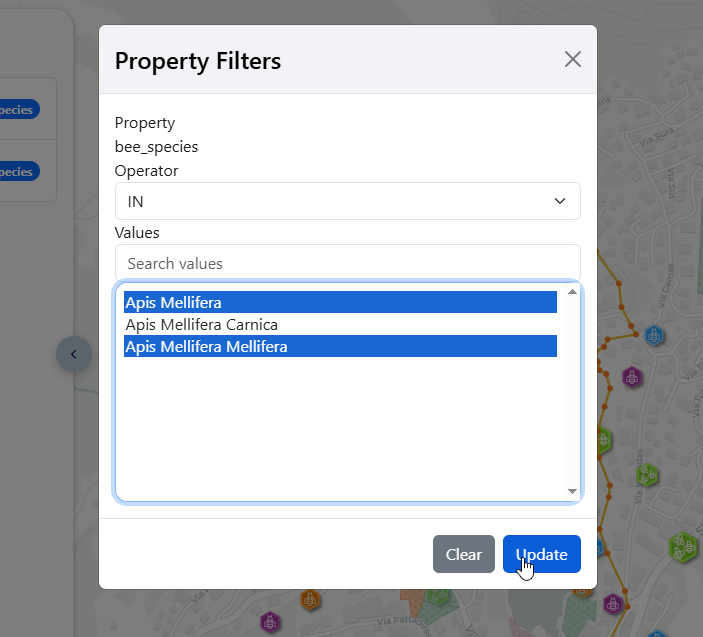
- Retractable Search Panel – Collapse and expand filters and search controls for a cleaner viewing experience and more map space
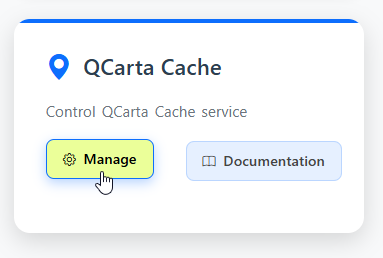
- QCarta Cache Improvements – More efficient tile caching for faster map load times and improved performance under load
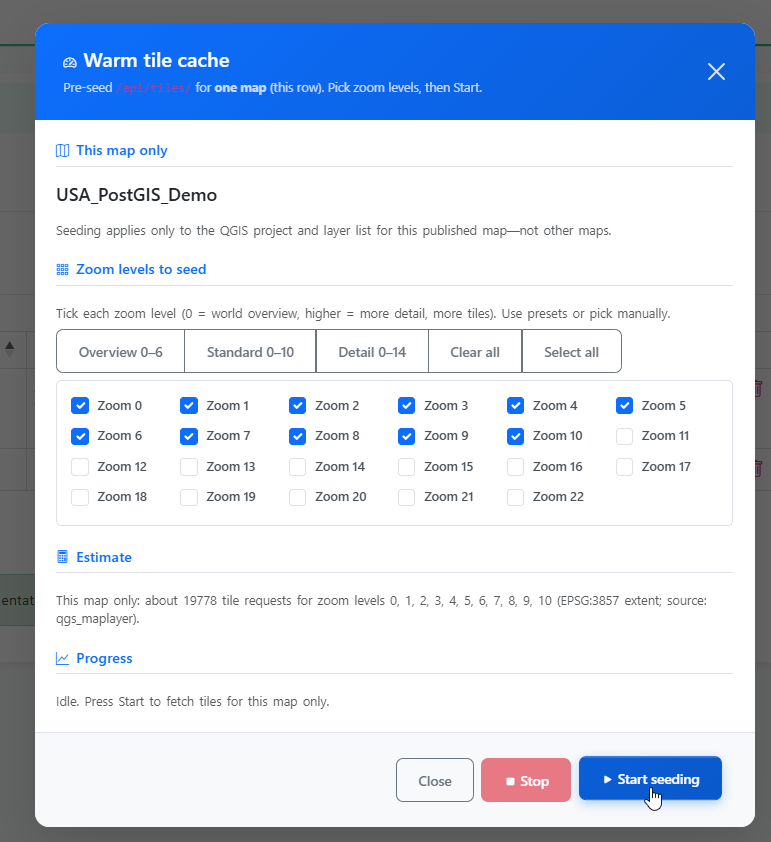
- Seed Cache Feature – Pre-generate tiles by zoom level and extent to dramatically improve initial map rendering and scalability
Bug Fixes:
- Edit SQL Report – fixed truncation of SQL on edit
- Export – Fixed Export to GeoJSON or GeoPackage
- Topic and Keyword (GEMET Themes) Selection – Added Topic and Keyword (GEMET Themes) selection to Maps, Dashboards, GeoStories, Documents, and Links
- Attribute Edit – Fixed inconsistent behavior in on-map attribute editing
This update significantly expands QCarta’s capabilities, making it a more complete web GIS platform for both visualization and real-time data interaction—while delivering faster, more responsive performance and a more refined user experience.
Updated UI:
QCarta Cache Seeding
Geometry Editing:
Per-Feature Plotly Charts